If you have ever tried to explain a toll deduction to your accountant, or figure out why your FASTag balance dropped faster than expected, you already know why a statement matters.
An ICICI FASTag statement download gives you a written record of every recharge, toll payment, and deduction tied to your tag. This guide walks through how to get that statement, what it actually contains, and what to do if the download does not work the first time.
What Is an ICICI FASTag Statement, and Why Bother With It?
A FASTag statement is simply a list of transactions linked to your FASTag wallet or account over a chosen period. It shows recharges, toll deductions, refunds, and sometimes penalty charges if the tag was scanned without enough balance.
People download this statement for a few practical reasons:
- To claim reimbursement for business travel
- To keep personal records for tax or expense tracking
- To check a toll charge that looks wrong or duplicated
- To confirm a recharge actually reflected in the account
None of this requires anything exotic. It is the same kind of statement you would pull from a bank account, just scoped to toll payments instead of everyday spending.
Before You ICICI Fastag Statement Download: Log In to Your Account
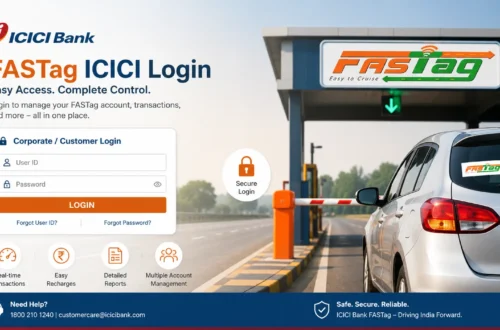
You cannot pull a statement without logging in first, so that part comes before anything else. If you are unsure of the exact login steps or keep getting stuck at the OTP screen, our ICICI FASTag login guide covers the process in more detail, including what to do when the registered mobile number does not seem to work.
Once you are logged in, you will land on a dashboard that usually shows your current balance, linked vehicle, and a menu for transaction history or statements.
How to Download ICICI FASTag Statement Online
The exact screens can shift a little as ICICI Bank updates its platform, but the general path stays fairly consistent across net banking, the iMobile app, and the FASTag portal.
Step-by-Step Process
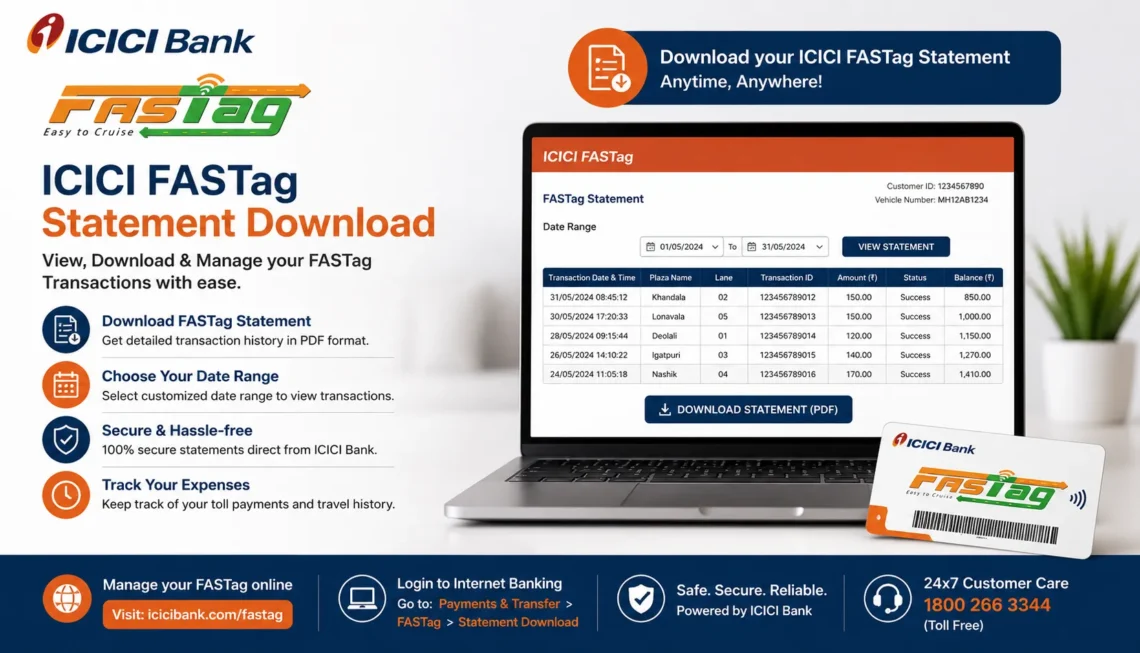
- Log in to your official ICICI Bank FASTag account, either through net banking, the iMobile app, or the dedicated FASTag portal.
- Open the FASTag section from the dashboard.
- Look for “Transaction History” or “Statement.” These are sometimes combined into one tab.
- Select your linked vehicle if you have more than one FASTag on your account.
- Choose the date range you need, for instance the last month, last quarter, or a custom range.
- Click download or export. Most platforms offer a PDF, and some also allow CSV or Excel export.
If you only need to eyeball a few recent transactions rather than a full download, checking your balance and recent activity first can save you a step. Our guide on how to check ICICI FASTag balance explains where that information usually sits on the dashboard.
Downloading Through the iMobile App
The iMobile app tends to be the quicker option for most people since it is already installed for regular banking. Inside the app, FASTag usually appears as its own section separate from savings or credit card services. From there, the statement download works much the same way as it does on the website: pick the vehicle, pick the dates, then export.
Downloading Through Net Banking
Net banking gives a slightly wider view, especially if you manage more than one FASTag or handle vehicles for a small fleet. It is also easier to print directly from a browser if you need a physical copy for reimbursement paperwork.
What Information Shows Up in the Statement
A typical FASTag statement includes:
| Field | What It Tells You |
| Date and time | When the toll deduction or recharge happened |
| Toll plaza name | Where the deduction took place |
| Transaction type | Recharge, toll deduction, refund, or penalty |
| Amount | How much was added or deducted |
| Balance after transaction | Running balance right after that entry |
| Vehicle number | Which vehicle the transaction is tied to |
This is the same data you would use to spot a duplicate charge or confirm that a recharge went through. If a toll deduction on the statement looks off, keep the exact date, time, and amount handy before raising a complaint.
Choosing the Right Date Range
Most platforms default to showing the last 30 or 90 days, but you can usually widen that if you need older records. A few things worth knowing:
- Some platforms cap how far back you can pull a statement in a single request, so very old transactions might need a separate request through customer support.
- If you are collecting statements for tax purposes, it is easier to download month by month rather than trying to force one huge annual export.
- Business users managing several vehicles often find it faster to download per-vehicle statements rather than one combined file.
Common Problems With Statement Download (and What to Do)
Download button is not responding: Try refreshing the page or switching from the website to the app, since browser issues are more common than actual server problems.
Statement shows no transactions for a period you know had activity: Double-check the date range first. It is an easy field to misconfigure, especially on mobile screens.
PDF opens blank or corrupted: Try downloading again, or switch the export format to CSV if that option is available.
You cannot log in at all: This is usually the real blocker, and it is worth ruling out before assuming the statement feature itself is broken. If your FASTag balance is unusually low or the tag shows as inactive, that can also affect what the dashboard displays. Our page on why ICICI FASTag balance check sometimes shows unexpected numbers might help narrow down the cause.
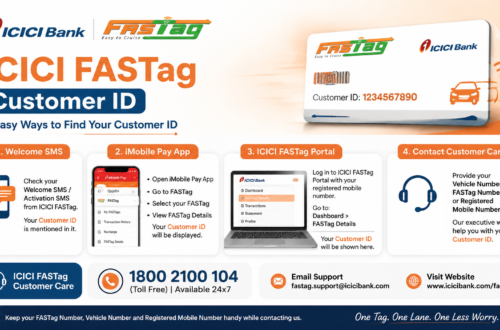
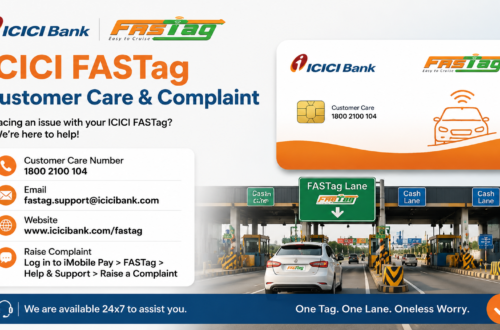
If none of that resolves it, the fastest route is usually official ICICI Bank customer support rather than repeated login attempts. Details are listed on our ICICI FASTag customer care page, including what information to keep ready before you call.
Using Your Statement for Reimbursement or Disputes
If you are submitting the statement for work reimbursement, most finance teams just want the PDF export with dates, amounts, and vehicle number visible, so the default export usually works fine without extra formatting.
For disputes, it helps to have the exact toll plaza name, timestamp, and amount from the statement ready before you contact support. Vague complaints like “I was charged twice last week” take longer to resolve than one with the specific transaction details attached.
FASTag Statement vs. Transaction History: Is There a Difference?
Not really, in most cases. “Transaction history” is often just the on-screen version of the same data, while “statement” usually refers to the downloadable file. Some platforms use the terms interchangeably, so if you cannot find a button labeled “statement,” check under transaction history instead. It is likely the same data set with an export option attached.
Keeping Your FASTag Ready Alongside Your Statement
A statement is only useful if the underlying account is in good shape. Low balance is one of the most common reasons FASTag stops working at a toll booth in the first place, so it is worth checking your balance regularly rather than only after a problem shows up. If you need to top up, our ICICI FASTag recharge guide walks through the available online payment options.
If you do not have a FASTag yet, or you are setting one up for a second vehicle, the ICICI FASTag application guide covers what is needed before you get to the point of pulling statements at all.
Safety Tips Before You Download
- Only log in through the official ICICI Bank website or app. Search results sometimes surface lookalike pages.
- Never enter your OTP on a site you reached through a random link or SMS.
- Avoid saving downloaded statements on shared or public computers, since they contain vehicle and account details.
- Bookmark the official login page instead of searching for it each time.
Frequently Asked Questions
Can I download my ICICI FASTag statement without the app?
Yes. Net banking and the FASTag web portal both allow statement download, so the app is convenient but not required.
How far back can I download a FASTag statement?
This depends on the platform’s retention settings. Recent months are usually available instantly, while older records may need a request through customer support.
Why does my statement show a transaction I do not recognize?
Check the date and toll plaza name closely first, since it is often a genuine toll deduction from a route you forgot about. If it still looks wrong, contact support with the transaction details.
Is the statement the same as a tax invoice?
Not always. If you need a formal invoice for tax filing, check whether ICICI Bank’s FASTag section offers a separate invoice or GST-related document, since the standard statement is mainly a transaction record.
Final Thoughts
Downloading an ICICI FASTag statement is a small task, but it saves real time when you actually need proof of a payment or a clean record for expenses. Log in through official channels, pick the right date range, and export the format that suits what you need it for. If something does not add up on the statement, the fastest fix is almost always contacting ICICI Bank support directly rather than guessing.
For related account tasks, you may also want to check our guides on FASTag recharge, balance check, and customer care contact details.