If you searched for fastag recharge ICICI, you’re probably trying to solve one of two problems: your balance is running low, and you need to top it up right now, or your last recharge didn’t go through, and you’re not sure why. This guide covers both. It walks through every official way to recharge an ICICI FASTag online, what details you need before you start, the recharge limits tied to your KYC status, and what to check if a payment gets stuck.
For the full official login process, our ICICI FASTag login guide covers account access in more detail. This post focuses specifically on getting money into your FASTag wallet.
What Happens During an ICICI FASTag Recharge
An ICICI FASTag is an RFID sticker on your windscreen, not a prepaid card by itself. It’s linked to a wallet or bank account behind the scenes. When you recharge, the money goes into that linked account, and the tag simply draws from it every time a toll scanner reads it.
This is why a recharge can look “stuck” even after your bank account shows a debit. The payment cleared, but it landed in a wallet layer that hasn’t pushed the balance through to your specific vehicle tag yet. We’ll cover the fix for that further down.
Ways to Recharge ICICI FASTag Online
There are five official routes. Which one works best for you usually comes down to whether you already bank with ICICI.
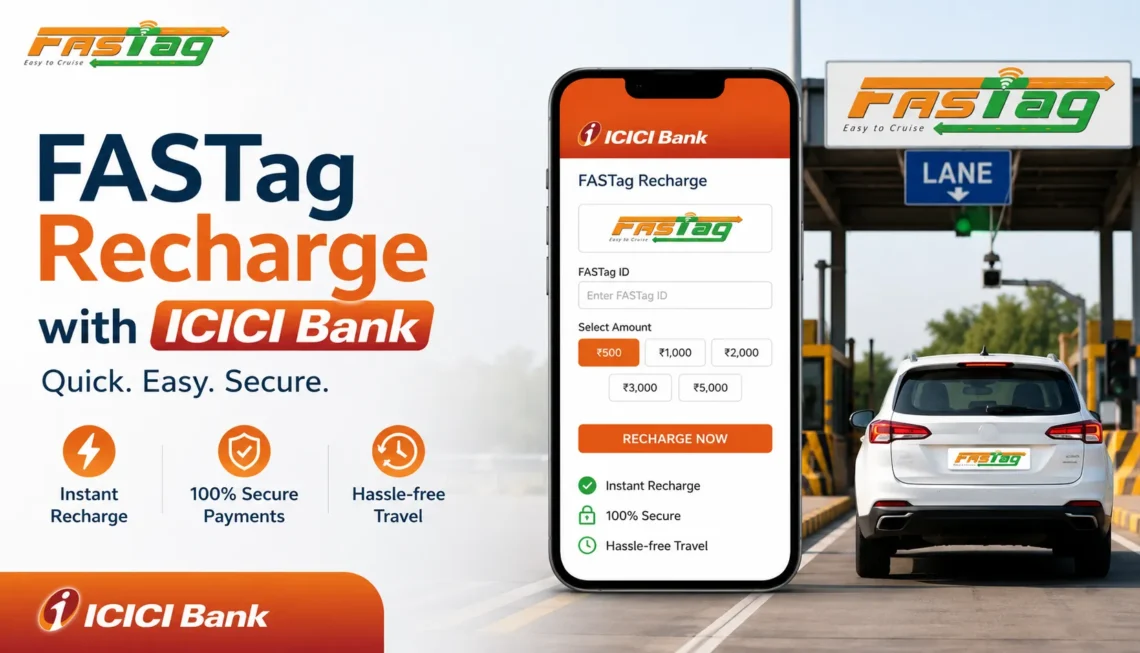
1. ICICI iMobile Pay App
If you hold an ICICI Bank account, this is the fastest option.
- Open the iMobile Pay app and log in.
- Go to Bill Payment & Recharge, then select FASTag.
- Choose your linked vehicle.
- Enter the recharge amount and confirm payment.
Most recharges through iMobile Pay reflect within a minute or two.
2. UPI Apps (Google Pay, PhonePe, Paytm)
You don’t need an ICICI Bank account to use this route.
- Open your UPI app and search for FASTag recharge.
- Select ICICI Bank as the issuer.
- Enter your vehicle registration number exactly as it appears on your RC.
- Enter the amount and pay via UPI.
This is generally the quickest method if your bank account is with a different bank.
3. ICICI Bank Internet Banking
Better suited if you’d rather work from a laptop than a phone.
- Log in to ICICI Bank Net Banking.
- Go to Payments & Transfer, then Buy/Recharge FASTag.
- Select your vehicle and enter the amount.
- Complete the payment.
4. Official FASTag Customer Portal
Useful if you manage multiple vehicles or a Closed User Group (CUG) wallet setup for a fleet.
- Log in to the FASTag customer portal with your registered credentials.
- Select the vehicle or wallet you want to top up.
- Choose the recharge amount and payment method.
- Confirm and save the transaction ID.
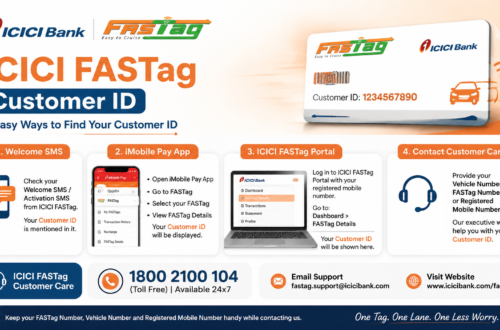
If you’ve forgotten your customer ID or aren’t sure your mobile number is linked correctly, our ICICI FASTag login with mobile number guide walks through fixing that before you attempt a recharge.
5. NEFT, IMPS, or RTGS
This route is mainly for fleet operators and business accounts. It requires the correct client code (ETOL, FTIM, or ETCCUG) attached to your Customer ID, so it’s not something a single-vehicle owner typically needs.
For a detailed, screenshot-level walkthrough of every one of these methods, see our complete ICICI Bank FASTag recharge guide.
What You’ll Need Before You Start
Keep these details ready so the payment doesn’t stall halfway through:
- Vehicle registration number, exactly as printed on your RC
- Registered mobile number
- FASTag Customer ID (needed for portal-based recharges)
- The bank account or UPI app you’re paying from
ICICI FASTag Recharge Limits Based on KYC
ICICI Bank ties your recharge ceiling to your KYC status, and this catches out more people than you’d think.
| Account Type | Minimum Recharge | Monthly Load Limit | Wallet Max Balance |
| Minimum KYC | ₹100 | ₹10,000 | ₹10,000/month, ₹1 lakh/year |
| Full KYC | ₹100 | No monthly cap | Up to ₹1 lakh at a time |
If a recharge keeps getting rejected past a certain amount, it’s usually a KYC ceiling rather than a technical glitch. Completing full KYC through official ICICI Bank channels raises that limit considerably. There’s no fee charged by ICICI Bank for the recharge itself; any extra charge on the payment screen is typically added by the third-party app you’re paying through.
Setting Up Auto Recharge
The simplest fix for “will my FASTag have enough balance” is to stop asking the question. ICICI Bank lets you set a trigger amount, as low as ₹100, that automatically tops up your tag from a linked savings account once the balance dips below it. You can set this up inside iMobile Pay under the FASTag section, or through a standing instruction in Internet Banking.
One thing to watch: auto recharge only works if the linked account actually has funds. An inactive account, or one with a hold on it, will let your FASTag run dry even with auto recharge switched on.
What to Do If Your FASTag Recharge Fails or Doesn’t Reflect
This happens more often with wallet-linked accounts than with direct vehicle recharges. Work through these steps in order:
- Check your bank statement or UPI history to confirm the money actually left your account.
- Check whether your FASTag sits under a CUG wallet setup. If it does, funds sometimes land in the wallet first and need a separate step to move to the vehicle tag.
- Recheck your balance after an hour. NEFT and RTGS recharges especially can take a while to reflect.
- Note down your transaction ID, the exact amount, and the payment time before contacting support.
- Avoid repeating the payment while the first one is still pending. Reversing duplicate recharges takes longer than waiting it out.
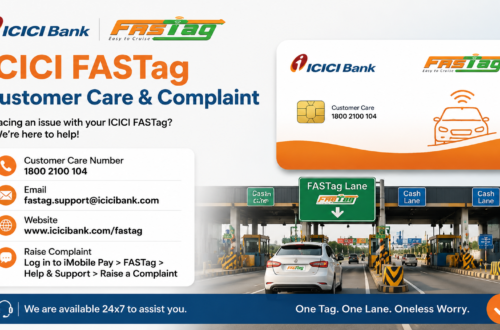
If none of that resolves it, ICICI’s FASTag customer care team can trace the transaction using your reference number. Our ICICI FASTag customer care guide lists every contact option and what to have ready before you call.
How to Confirm Your Recharge Actually Worked
Don’t drive off just because the app showed “payment successful.” Give it a minute, then verify the balance directly through one of these:
- The FASTag section inside iMobile Pay
- The official FASTag customer portal
- A missed call to the FASTag balance-check number from your registered mobile
- The SMS confirmation ICICI sends after a successful top-up
Our guide on checking your ICICI FASTag balance has more detail if you want a backup method for next time.
Safety Tips for FASTag Recharge ICICI Users
FASTag recharge scams follow a fairly predictable script: someone calls or messages claiming your tag is blocked, or your KYC needs urgent updating, then asks for an OTP or pushes you to install a screen-sharing app. ICICI Bank will never ask for your UPI PIN, card PIN, or Internet Banking password over a phone call.
- Only use the iMobile Pay app, ICICI’s own website, or a UPI app you already trust
- Confirm ICICI Bank is listed as the issuer before you pay
- Never tap a recharge link from an unexpected SMS or WhatsApp message
- Keep your payment receipt until the balance actually updates
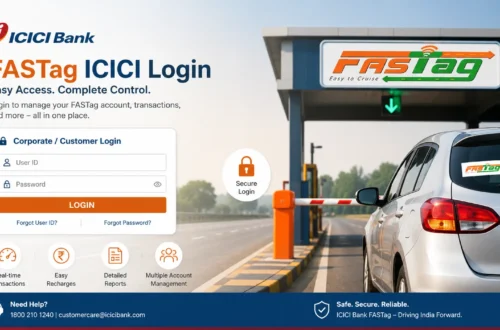
- Start from the official ICICI FASTag login page rather than a link someone sent you
Frequently Asked Questions
Is there a minimum amount for FASTag recharge ICICI?
Yes, ₹100 is the standard minimum whether your account has minimum KYC or full KYC.
Can I recharge someone else’s ICICI FASTag?
Yes. Most UPI apps and the FASTag portal only need the vehicle registration number, not proof of account ownership.
Why does my recharge show as pending?
It’s usually a delay at the payment gateway or bank server. Wait about 30 minutes and recheck. If it’s still pending after that, contact customer care with your transaction ID.
Does recharging fix a blacklisted FASTag?
Only if low balance was the cause of the blacklist. If it’s tied to KYC or vehicle documents, a recharge alone won’t reactivate it.
Can I recharge without installing the iMobile Pay app?
Yes. Any UPI app or the FASTag customer portal works just as well without needing ICICI’s own app.
Final Word
FASTag recharge ICICI is a two-minute task once you know which method suits your situation. UPI apps and iMobile Pay are the fastest for a single vehicle, while the customer portal and NEFT routes make more sense for fleets. Keep your vehicle number and Customer ID handy, stay above the ₹100 minimum, and set up auto-recharge if highway drives are a regular part of your routine.
For account access, balance checks, and step-by-step login help, see our ICICI FASTag login guide and the ICICI Bank FASTag login walkthrough.