If you are searching for how to close ICICI FASTag, you are probably trying to solve a real problem: maybe the vehicle has been sold, the tag is attached to the wrong car, or you simply no longer need the account. In most cases, people do not want a long explanation. They want the exact steps, the refund process, and the mistakes that cause delays.
The good news is that ICICI Bank provides an online closure flow through its FASTag portal. The process is straightforward, but it works best when you know what information is needed, what refund you may be eligible for, and what cannot be done, such as transferring the same FASTag to another vehicle. ICICI Bank also notes that refund processing can take time, with refunds taking up to 15 working days depending on policy and verification.
This guide breaks everything down in simple language so you can close your ICICI FASTag without confusion and avoid the common errors that waste time.
For account access help, you can also read our ICICI FASTag login guide before starting the closure process.
When You Should Close ICICI FASTag
Closing a FASTag is usually the right move in situations like vehicle sale, ownership change, account-related issues, or when the tag is no longer needed. ICICI Bank specifically mentions that deactivation may be required due to a change in vehicle ownership or other account-related circumstances.
A good rule is simple: if the tag will no longer be used on that vehicle, close it properly rather than ignoring it. That prevents confusion later, especially if toll transactions, balance issues, or refund claims need follow-up. It also helps you keep your records clean before the vehicle is handed over to another owner. This is especially important because FASTag is linked to a specific vehicle registration number and cannot be moved to another vehicle.
Step-by-Step: How to Close ICICI FASTag
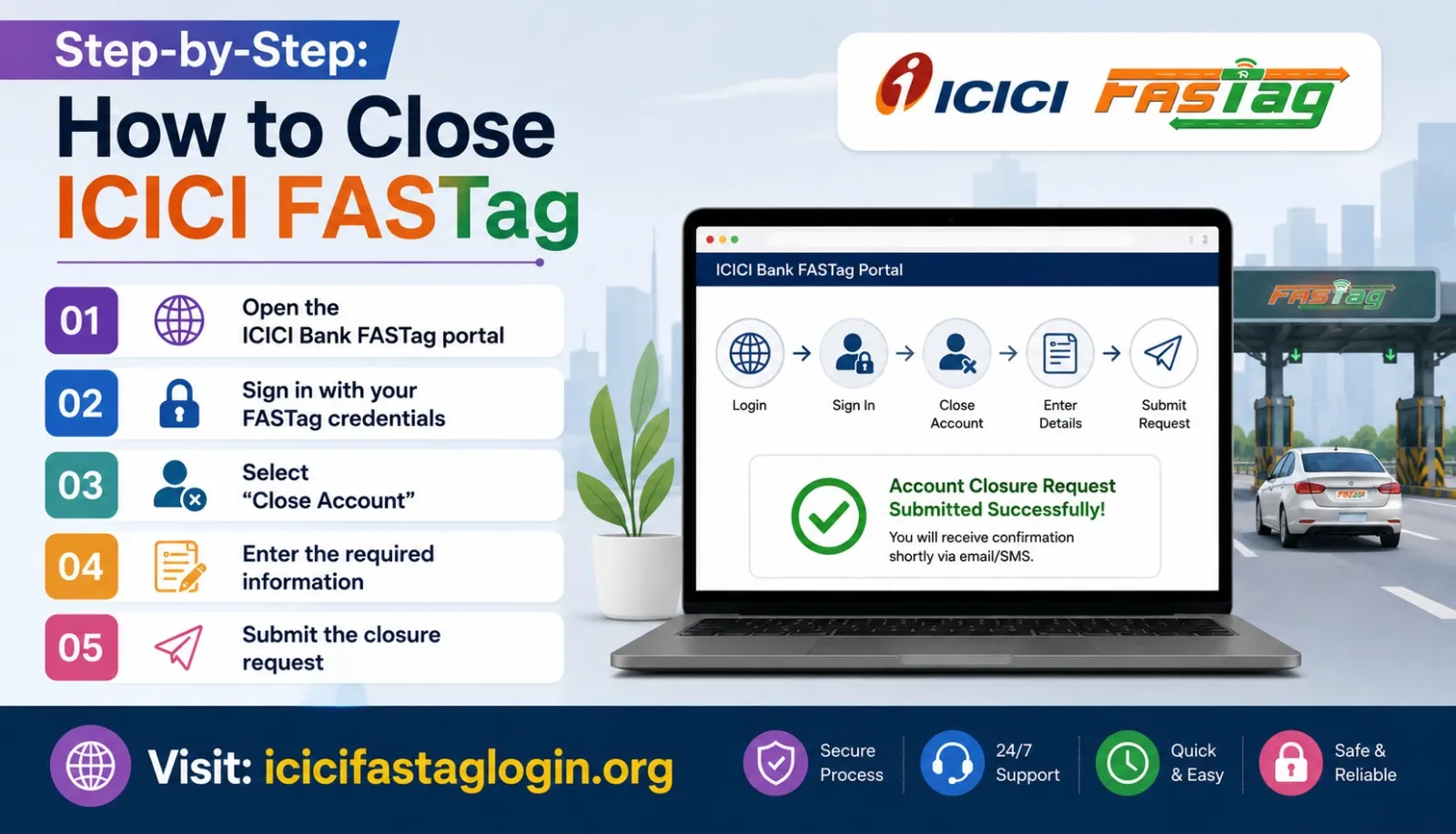
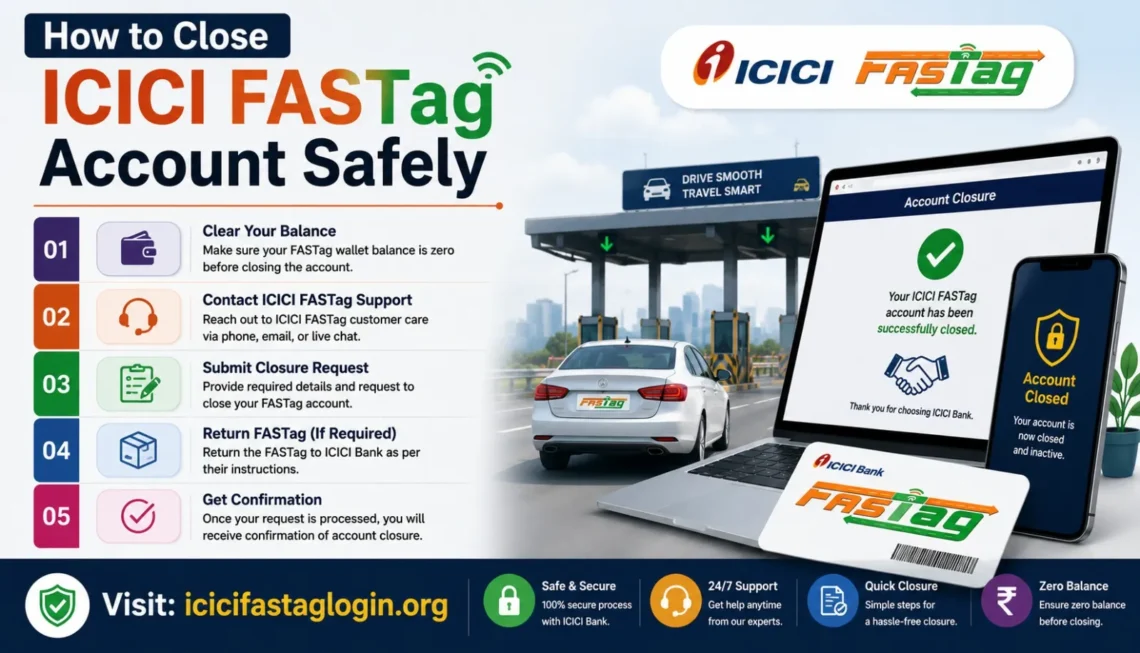
1) Open the ICICI Bank FASTag portal
Start by visiting the official ICICI Bank FASTag portal. This is the central place to manage your FASTag account and initiate the closure process.
2) Sign in with your FASTag credentials
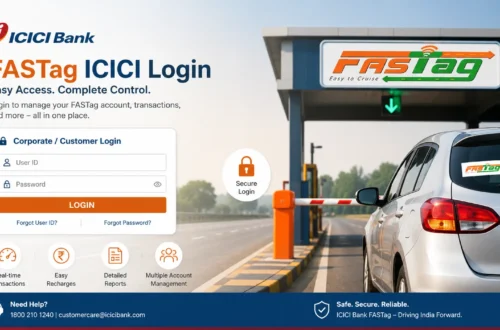
Use your FASTag account login details to sign in. If you have forgotten them, use the portal’s account recovery options before moving forward. Make sure the details you enter are correct, because simple login mistakes often delay the rest of the process.
3) Select “Close Account”
Once you are inside the portal, look for the Close Account option. ICICI Bank notes that this option is typically available under Account Management or Settings. That is the point where the closure request actually begins.
4) Enter the required information
You will be asked for details such as:
- FASTag ID
- Government-issued ID proof
- Vehicle number
- FASTag account details
- Bank details, where required
ICICI Bank’s guide emphasizes entering all requested information accurately to avoid delays.
5) Submit the closure request
After filling in the form, submit the request to begin the account closure process. Once submitted, you should receive a confirmation by SMS or email that the request has been received and is under process. Keep checking your inbox and the portal for any follow-up instructions or status updates.
How the Refund Process Works
A lot of people close the account and then wonder where the money went. The answer is usually in the refund process.
ICICI Bank says you may be eligible for a refund of any remaining balance and security deposit after deactivation, subject to applicable policies and verification. The process generally includes checking your balance, then requesting the refund according to the issuer’s instructions. In some cases, this may require a refund form or supporting documents.
The part users miss most often is timing. Refunds are not always instant. According to ICICI Bank’s guide, the refund can take up to 15 working days, so it is better to plan for a waiting period rather than expect immediate credit.
What to check before you expect the refund
Before submitting the closure request, confirm:
- Check your current FASTag balance
- whether any refundable security deposit exists
- whether your bank details are correct
- whether all pending toll transactions have been accounted for
That makes the refund process easier to track and reduces the chance of avoidable back-and-forth.
Checklist Before You Submit
Before you close ICICI FASTag, take two minutes to review the basics. This is the simplest way to avoid delays.
Do this first
- Save the FASTag ID
- Keep your ID proof ready.
- Check the vehicle number linked to the tag.
- Verify your bank details.
- Review the current balance.
- Note any recent toll usage.
Why this matters
If even one detail is wrong, the request can sit in review longer than expected. ICICI Bank specifically warns users to enter required information accurately to prevent processing delays.
Common Mistakes That Create Problems
1) Trying to transfer the same FASTag to another vehicle
This is one of the biggest misconceptions. FASTag is linked to a single vehicle registration number and cannot be transferred to another vehicle. If you bought a new vehicle, you need a new FASTag instead of reusing the old one.
2) Closing the account without checking the balance
If you do not check the balance first, it becomes harder to estimate what refund you should receive. That can make follow-up more difficult later.
3) Entering wrong vehicle or ID details
A small mismatch can slow down the request. The portal may require verification, and inaccurate details can delay the process.
4) Expecting the refund too soon
The refund may take up to 15 working days. If you do not know that in advance, you may think something is wrong when the request is actually still being processed.
Close, Block, or Transfer: What Is the Right Action?
These three actions are not the same, and choosing the wrong one can cause unnecessary stress.
| Action | When to use it | Key result |
| Close | You no longer need the FASTag on that vehicle | Account closure request is started |
| Block | The vehicle is lost or stolen | Misuse is prevented quickly |
| Transfer | Not allowed for the same FASTag | A new FASTag is needed for another vehicle |
ICICI Bank’s FAQ says that if a vehicle is lost or stolen, you should log in to the portal or contact 1800 2100 104 to block the FASTag and prevent misuse. It also confirms that the tag cannot be transferred to another vehicle.
FAQs
1) Can I close ICICI FASTag online?
Yes. ICICI Bank says you can log in to the FASTag portal, submit a closure request, and complete the process online.
2) How long does the refund take after FASTag closure?
ICICI Bank states that refund processing can take up to 15 working days, depending on policy and verification.
3) Can I move my ICICI FASTag to another vehicle?
No. FASTag is linked to one specific vehicle registration number and cannot be transferred. A new FASTag is required for a different vehicle.
4) What details are needed to close the account?
You may need your FASTag ID, government-issued ID proof, vehicle number, and related account or bank details.
5) What if my vehicle has been sold?
If the vehicle ownership has changed, closing the FASTag account is the safer option to ensure the old tag is not left active on the sold vehicle. ICICI Bank lists ownership change as one reason deactivation may be needed.
6) What should I do if the vehicle is lost or stolen?
Block the FASTag immediately through the customer portal or contact ICICI Bank at 1800 2100 104 to reduce the risk of misuse.
7) Will I get back my remaining FASTag balance?
You may be eligible for a refund of the remaining balance and refundable security deposit, subject to verification and the issuer’s policy terms.
Conclusion
If you want to close your ICICI FASTag, the process is straightforward: log in to the official portal, select Close Account, enter the required details, and wait for confirmation. The most important things to remember are that the tag is tied to one vehicle and cannot be transferred to another, and that refunds may take up to 15 working days.
The safest approach is to check your balance first, keep your vehicle and ID details ready, and follow the portal instructions carefully. That simple preparation saves time, reduces delays, and helps you finish the closure without unnecessary stress.