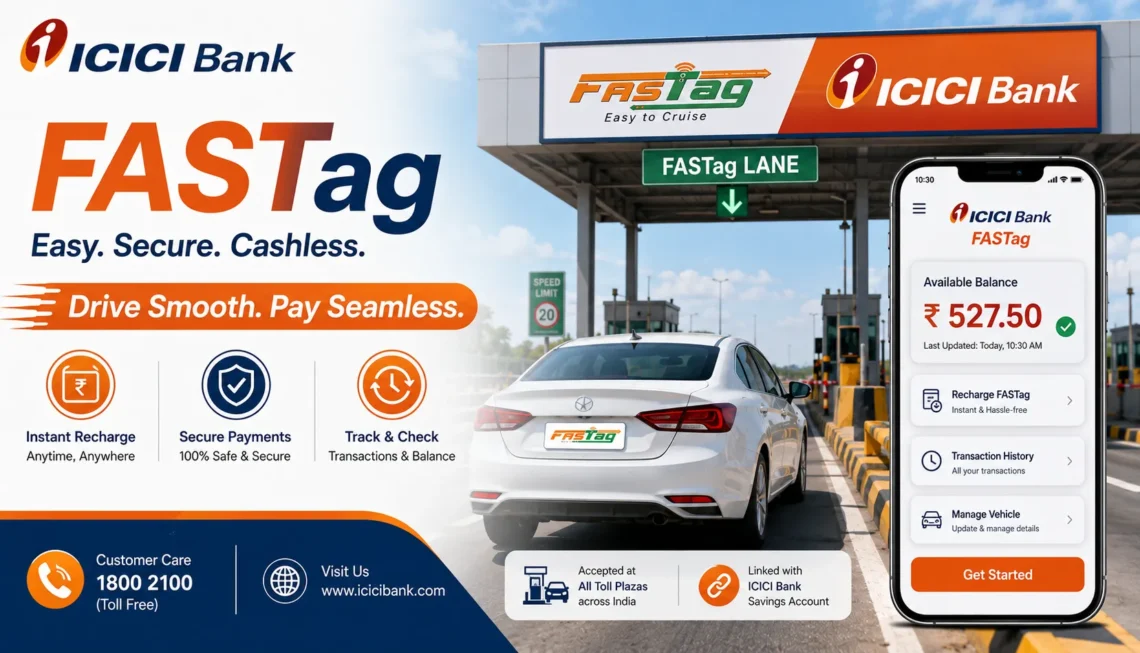
If you drive on Indian highways, you’ve probably run into the FASTag ICICI Bank system already, whether you applied for it yourself or inherited a car that already had one stuck to the windscreen. FASTag ICICI Bank is the electronic toll payment tag issued by ICICI Bank that lets your vehicle pass through toll plazas without stopping for cash. The toll amount gets deducted automatically from your linked FASTag account the moment the scanner reads your tag.
This guide walks through how FASTag ICICI Bank actually works, how to apply, log in, check your balance, recharge, and fix the problems that show up most often, like a blacklisted tag or a balance that won’t update after a recharge.
What Is FASTag ICICI Bank?
FASTag ICICI Bank is a prepaid, RFID-based tag issued under the National Electronic Toll Collection (NETC) programme. It’s fixed to your car’s windshield, and every time you drive through a toll booth fitted with a FASTag reader, the toll amount is pulled straight from your linked wallet or bank account. No queue, no cash, no fumbling for change with a truck honking behind you.
The tag itself is tied to your vehicle’s registration number, so it can’t just be swapped between cars. Once it’s active and has enough balance, tolls get deducted within seconds of passing the scanner.
How FASTag ICICI Bank Works at Toll Plazas
The mechanics are fairly simple:
- Your vehicle approaches the toll booth.
- An RFID reader scans the tag fixed to your windscreen.
- The system identifies your vehicle class and calculates the toll.
- The amount is deducted from your ICICI FASTag balance.
- The barrier lifts, and you drive through.
The whole process takes a couple of seconds, provided your balance is sufficient and the tag isn’t blacklisted or damaged. If any of those conditions fail, you may be charged double the toll or asked to pay in cash instead.
How to Apply for FASTag ICICI Bank
You can apply for FASTag ICICI Bank online through the official ICICI Bank website or app, or offline at authorised toll plazas and bank branches. The general process usually involves submitting your vehicle registration certificate (RC), a passport-size photo, and KYC documents, then paying the tag issuance fee along with an initial recharge amount.
For the full step-by-step application process, including document requirements, see our detailed guide on how to apply for ICICI FASTag.
FASTag ICICI Bank Login: How to Access Your Account
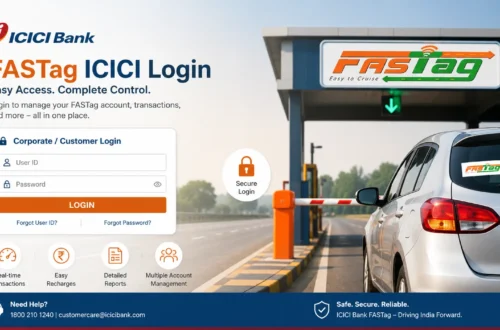
Once your tag is active, you’ll want to log in periodically to check your balance, view transactions, or update details. Login is done through ICICI Bank’s official FASTag portal or its digital banking channels, not through third-party sites.
A typical login process looks like this:
- Go to the official ICICI Bank FASTag page.
- Select the FASTag login or customer login option.
- Enter your registered mobile number, customer ID, or vehicle number.
- Verify using OTP or your password.
- Land on your FASTag dashboard.
If you’ve forgotten your login details or want a walkthrough with screenshots, our FASTag login ICICI Bank guide covers it step by step, and our ICICI Bank FASTag login walkthrough breaks down each screen you’ll encounter.
How to Check FASTag ICICI Bank Balance
Running out of balance mid-journey is one of the most common complaints from FASTag users, and it’s avoidable if you check before you leave. You can check your FASTag ICICI Bank balance through:
- The ICICI Bank iMobile app
- ICICI Bank Net Banking
- The official FASTag portal
- An SMS balance check, where available
Log in, go to the FASTag section, pick your linked vehicle, and your current balance along with recent deductions will show up. It’s worth building the habit of checking this before any highway trip, especially if you’re doing back-to-back tolls.
How to Recharge FASTag ICICI Bank Online
When your balance runs low, recharging takes a few minutes through official channels. Here’s the general flow:
- Open the official ICICI Bank FASTag recharge page or app.
- Enter your FASTag or vehicle details.
- Choose the recharge amount.
- Pick a payment method, UPI, debit card, or net banking.
- Complete the payment and wait for confirmation.
Sometimes the payment goes through but the balance doesn’t reflect immediately. This is usually a delay in processing rather than a failed transaction, so give it a little time before raising a complaint. If it still hasn’t updated after a while, keep your transaction ID handy and reach out to support.
For a more detailed breakdown of every recharge method, including UPI and net banking specifics, check our ICICI Bank FASTag recharge guide or the FASTag recharge ICICI walkthrough.
FASTag ICICI Bank Statement and Transaction History
Your FASTag statement is basically a record of every toll deduction, recharge, and balance adjustment on your account. It matters more than people realise, particularly if you’re managing a business vehicle, claiming reimbursement, or trying to spot a duplicate toll charge.
To download it:
- Log in to your FASTag ICICI Bank account.
- Open the dashboard and select transaction history or statement.
- Choose your date range.
- View or download the statement.
If you spot a deduction that looks off, note the date, time, and toll plaza name before contacting support. It makes the dispute process much faster.
Common FASTag ICICI Bank Problems and How to Fix Them
FASTag issues tend to fall into a handful of repeat categories. Here are the ones people run into most.
FASTag Not Working
A tag that won’t scan usually comes down to one of these: low balance, a damaged or loosely fixed tag, incomplete KYC, outdated vehicle details, or a technical fault at the toll plaza itself. Check your balance and account status first before assuming the worst.
FASTag Blacklisted
A blacklisted FASTag gets rejected at the toll booth even if it scans fine. This usually happens because of low balance, pending KYC, or account issues flagged by the bank. Recharging and completing pending KYC resolves most blacklist cases. If it doesn’t, contact ICICI Bank support directly rather than trying random fixes.
Forgot Customer ID
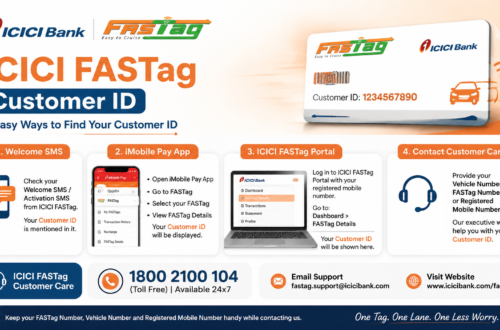
If you’ve lost track of your FASTag customer ID, check old SMS alerts from ICICI Bank, your welcome email, or try logging in with your registered mobile number instead. The app and Net Banking portal often show the ID once you’re logged in through another method.
FASTag ICICI Bank Customer Care
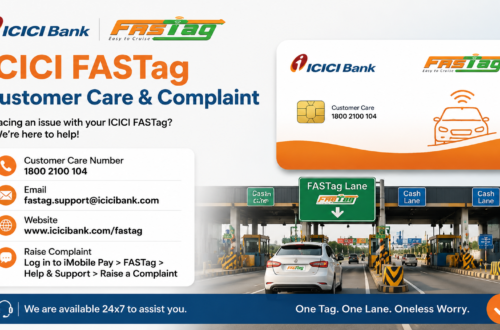
For login failures, recharge disputes, blacklist issues, or KYC problems that you can’t resolve yourself, ICICI Bank’s customer care team is the right place to go, not a random number found through a search engine. Before you call, have these ready: registered mobile number, vehicle number, FASTag customer ID, transaction ID (for payment issues), and the date and toll plaza involved in any disputed deduction.
Full contact details, including phone numbers and email support, are listed in our ICICI FASTag customer care guide.
Safety Tips for FASTag ICICI Bank Users
FASTag is tied directly to your money, so a bit of caution goes a long way:
- Only use the official ICICI Bank website or app for login, recharge, or account changes.
- Never enter your OTP on a site you found through an ad or unsolicited link.
- Ignore unofficial WhatsApp numbers claiming to offer FASTag support.
- Watch out for fake FASTag annual pass offers that ask for upfront payment through unusual links.
- Double-check the URL before entering any login credentials.
Frequently Asked Questions
Is FASTag ICICI Bank the same as ICICI Bank’s regular net banking?
No. FASTag ICICI Bank is a separate toll payment service. You can manage it through ICICI Bank’s app or Net Banking, but it operates as its own wallet, distinct from your regular savings or current account.
Can I use one FASTag ICICI Bank tag on two vehicles?
No. Each tag is registered against a specific vehicle number and can’t be transferred to another vehicle.
What happens if my FASTag ICICI Bank balance is zero at a toll plaza?
You’ll typically be charged double the toll amount in cash, or denied passage depending on the toll operator’s policy. It’s best to recharge before your balance hits zero.
How long does an ICICI FASTag recharge take to reflect?
Most recharges reflect within a few minutes, though it can occasionally take longer during high-traffic periods on the payment gateway.
Can I close my FASTag ICICI Bank account?
Yes, account closure is possible through official ICICI Bank channels, usually after clearing any pending dues on the account.
Final Thoughts
FASTag ICICI Bank makes toll payments faster and removes the need to carry cash for every highway trip, but it only works smoothly if your balance, KYC, and vehicle details stay up to date. Most of the problems people report, blacklisted tags, failed scans, missing balance updates, trace back to one of those three things. Check your account before long drives, keep your KYC current, and always use ICICI Bank’s official app or website for anything involving login credentials or payments.