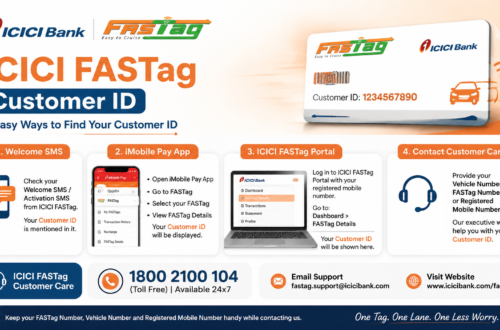
If you drive on Indian highways, you already know FASTag is no longer optional. What trips people up is the app side of things: which app to download, how to log in, and what to do when the balance won’t update. This guide walks through the ICICI FASTag app end to end, from installation to fixing the problems that come up most often.
What Is the ICICI FASTag App?
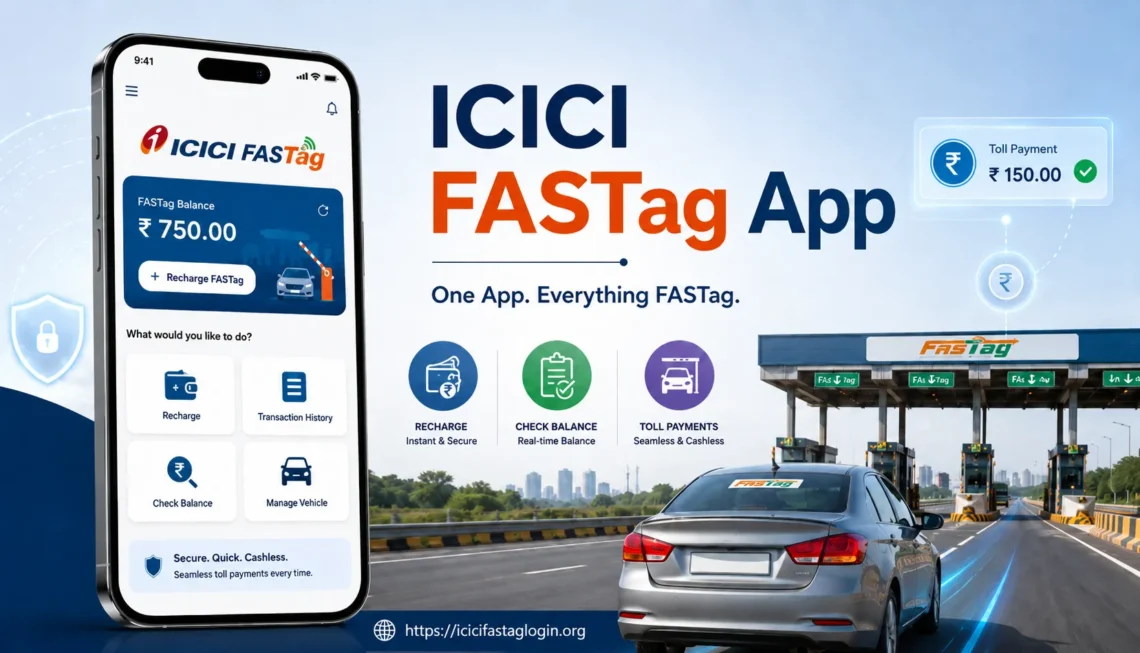
ICICI Bank doesn’t run one single, standalone “FASTag app.” Instead, FASTag services are built into a few of the bank’s existing apps, and the dedicated eToll app handles the rest.
- eToll by ICICI Bank – a dedicated toll and FASTag management app, built specifically for checking balance, recharging, and tracking toll deductions.
- iMobile Pay – ICICI Bank’s main mobile banking app, which includes a FASTag section under bill payments or “Travel & Shop.”
- Pockets by ICICI Bank – can be used to apply for a new FASTag and manage an existing one.
For most day-to-day tasks, checking balance, topping up, viewing toll history, either the eToll app or iMobile Pay will cover what you need. For a broader look at what FASTag involves, see how to apply for ICICI FASTag.
ICICI FASTag App Download and Installation
Getting the app set up takes a few minutes:
- Open Google Play Store (Android) or the App Store (iOS).
- Search for “eToll by ICICI Bank” or “ICICI iMobile Pay,” depending on which one you want.
- Confirm the developer is listed as ICICI Bank before installing. There are copycat apps out there, so this step matters.
- Install the app and open it.
- Register or log in using your registered mobile number, customer ID, or net banking credentials.
Once installed, the app will ask you to verify your mobile number through OTP before you can view any FASTag details.
How to Login to the ICICI FASTag App
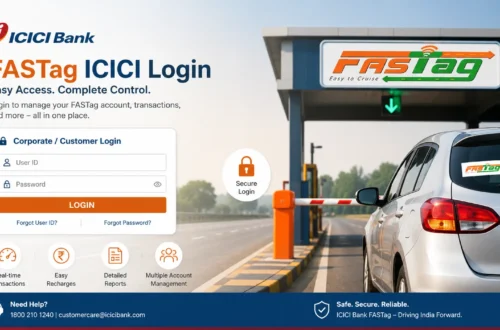
Logging in usually works one of two ways: through your ICICI customer ID and password, or through OTP verification sent to your registered mobile number. If you don’t remember your customer ID, mobile-based login is the easier route.
- Open the app and tap the FASTag or login option.
- Enter your registered mobile number or customer ID.
- Complete OTP verification.
- Land on your FASTag dashboard, where balance, linked vehicles, and recent transactions are visible.
A full walkthrough, including what to do when OTP login isn’t working, is covered in this guide on ICICI FASTag login with mobile number.
What You Can Do on the ICICI FASTag App
| Feature | What It Does | Why It Matters |
| Balance check | Shows current FASTag wallet balance | Avoids getting stuck at a toll plaza with insufficient funds |
| Recharge | Top up via UPI, net banking, or card | Keeps the tag active for the next trip |
| Transaction history | Lists toll deductions and recharges | Useful for spotting duplicate or wrong charges |
| Statement download | Generates a FASTag statement for a chosen date range | Needed for reimbursement or expense records |
| Vehicle management | View or update linked vehicle details | Keeps toll deductions matched to the right vehicle |
| Toll calculator | Estimates toll cost across a route | Helps with trip budgeting before a long drive |
| Service requests | Raise a complaint or request for account issues | Gets a formal support ticket instead of a phone call that goes nowhere |
How to Check ICICI FASTag Balance on the App
- Open the eToll or iMobile Pay app and log in.
- Go to the FASTag section.
- Select the linked vehicle if you have more than one.
- View the available balance on the dashboard.
It’s worth checking this before any highway trip, particularly a long one, since a tag that runs dry mid-journey means a manual toll payment and a longer wait at the booth. The step-by-step version of this process, including SMS-based balance checks, is in this ICICI FASTag balance check guide.
How to Recharge ICICI FASTag Using the App
- Log in and open the FASTag section.
- Select the vehicle you want to recharge.
- Enter the amount.
- Choose a payment method: UPI, debit card, credit card, or net banking.
- Complete the payment and wait for confirmation.
Most recharges reflect within a few minutes. If the money leaves your account but the balance doesn’t update, don’t panic and don’t try the payment again immediately; wait 30 minutes to an hour first. If it still hasn’t updated, contact support with the transaction ID ready. For the full range of recharge options, including third-party platforms, see this ICICI Bank FASTag recharge guide.
Applying for a New ICICI FASTag Through the App
If you don’t have a FASTag yet, both eToll and iMobile Pay let you apply directly:
- Open the app and select “Apply for FASTag” or “Request FASTag.”
- Enter vehicle registration details.
- Upload KYC documents (usually PAN and Aadhaar or another valid ID).
- Pay the applicable fee.
- Wait for verification and delivery, which typically takes a few days.
Once it arrives, the tag needs to go on the inside of the windscreen, centered below the rearview mirror, then get activated through the app before it will work at a toll plaza.
How to Close ICICI FASTag via the App
Selling a vehicle, switching providers, or simply not driving anymore are the usual reasons people close their FASTag account. The process generally involves clearing any pending dues, then submitting a closure request through the app or customer care. Since the exact steps depend on your account status, it’s worth reading the dedicated walkthrough on how to close ICICI FASTag before starting.
Common ICICI FASTag App Problems and Fixes
- OTP not arriving – check network signal, wait a minute before requesting again, and confirm the mobile number on file is still active.
- Balance not updating after recharge – wait up to an hour, then check the transaction status before contacting support.
- App shows tag as blacklisted – usually tied to low balance or pending KYC; recharge first, then check KYC status.
- Login fails repeatedly – too many failed attempts can temporarily lock the account; wait before retrying or reset credentials through official channels.
- App crashes or won’t load balance – update the app, clear cache, or reinstall if the problem persists.
ICICI FASTag App vs Website: Which Should You Use?
Both work, and neither is strictly better. The app is faster for quick checks, balance, last few transactions, recharge, especially on a phone in the car before a drive. The website tends to be easier for downloading longer statements or when you’re already at a laptop. There’s no functional gap between them for the core tasks; it really comes down to what’s in front of you at the moment.
Safety Tips When Using the ICICI FASTag App
- Download the app only from the official Play Store or App Store listing, and confirm ICICI Bank is the publisher.
- Never enter your OTP, password, or card PIN on a site or app that isn’t the official one.
- Ignore unsolicited calls or WhatsApp messages offering FASTag “annual passes” or urgent KYC updates.
- Keep the app updated to the latest version.
- Use a secure, private connection when making payments, not open public Wi-Fi.
ICICI FASTag Customer Care
If the app itself can’t resolve an issue, whether it’s a stuck recharge, a wrongly blacklisted tag, or a KYC problem, ICICI Bank’s customer care handles it. Keep your registered mobile number, vehicle number, and transaction ID ready before calling. Full contact details are listed on this ICICI FASTag customer care page.
Frequently Asked Questions About the ICICI FASTag App
- Is there a separate ICICI FASTag app, or does it use another app?
ICICI Bank doesn’t have one app called simply “ICICI FASTag.” FASTag services run through the eToll by ICICI Bank app and through the FASTag section inside iMobile Pay.
- Can I check my FASTag balance without the app?
Yes. Balance can also be checked through net banking, SMS, or the ICICI FASTag website, not just the app.
- Is the ICICI FASTag app free to download and use?
Yes, downloading and using the app is free. Standard charges may apply for recharge convenience fees depending on the payment method.
- What should I do if the app shows the wrong balance?
Log out and log back in, or refresh the FASTag section. If the balance still looks wrong after a recharge, check the transaction history first before contacting support.
- Can I manage more than one vehicle’s FASTag from a single app account?
Yes, multiple vehicles linked to the same customer ID can usually be managed from one login.
- Is it safe to save card details in the ICICI FASTag app?
Saving card details is generally safe within the official app, since ICICI Bank uses standard encryption and tokenisation. Even so, avoid saving payment details on any third-party or unofficial platform claiming to offer FASTag services.
Final Words
The ICICI FASTag app setup can feel confusing at first mainly because it isn’t one single app, it’s a feature spread across eToll and iMobile Pay. Once that’s clear, the rest is routine: check balance before a trip, recharge when it’s low, and keep an eye on the transaction history if anything looks off. Stick to official app store listings and official support channels, and most of the common headaches never come up in the first place.