Search “icicifastaglogin” often enough, and you’ll notice the same problem: half the results are outdated, and the other half don’t actually tell you what to do when the login screen won’t cooperate. This guide walks through the login process itself, what you can do once you’re in, and the fixes for the issues that trip people up most.
A quick note before we start: this page is an independent guide, not the official ICICI Bank site. For any actual login, payment, or KYC action, use ICICI Bank’s own website, app, or authorised channels.
What “ICICIFASTagLogin” Actually Means
FASTag is the electronic toll payment sticker fixed to a vehicle’s windscreen. When the car passes a toll plaza, a scanner reads the tag and deducts the toll fee straight from the linked FASTag wallet. ICICI Bank is one of the banks authorised to issue these tags, and “ICICI FASTag login” is simply the process of signing into your account to manage that wallet.
If you’re new to the service or haven’t applied yet, our guide to getting an ICICI FASTag covers the application steps in full.
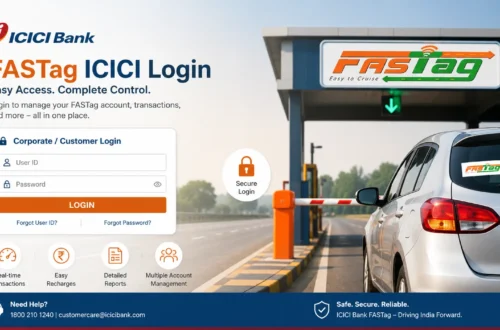
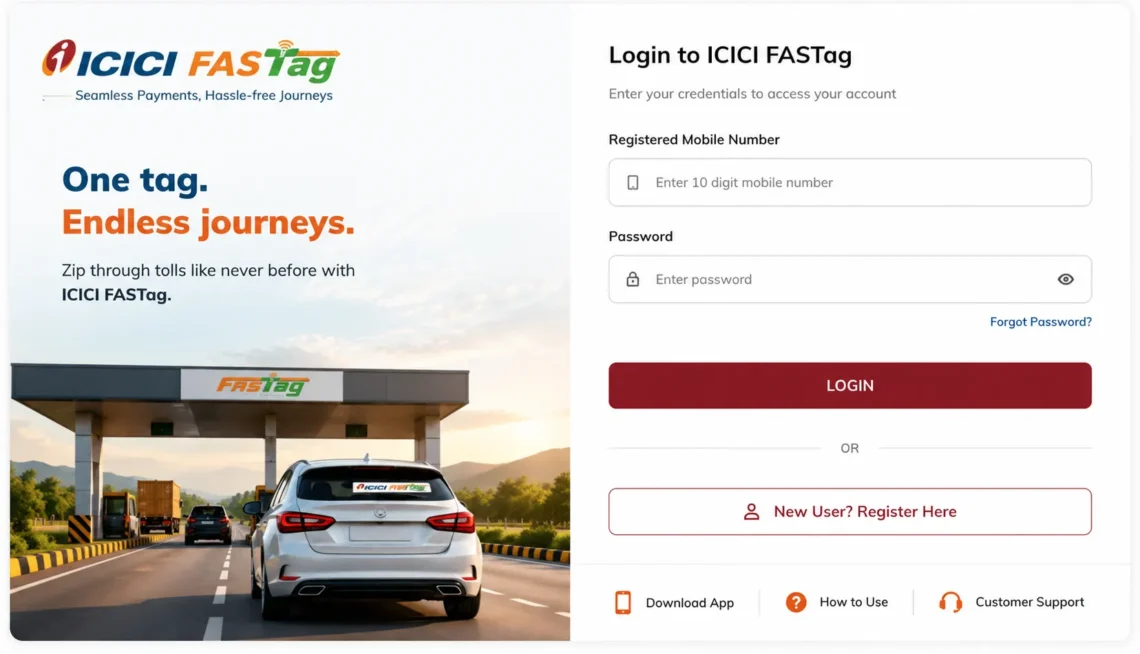
How to Log In to Your ICICI FASTag Account
The login flow is straightforward once you know where to go and what details to have ready.
- Open the official ICICI Bank FASTag portal or the ICICI Bank digital banking app.
- Select the FASTag login option (sometimes listed under customer login).
- Enter your registered mobile number, customer ID, or vehicle number, depending on what the platform asks for.
- Verify with an OTP or password.
- You’ll land on your FASTag dashboard.
That’s it. The steps can shift slightly as ICICI Bank updates its platform, so treat the above as a general outline rather than a fixed script. For a more detailed breakdown with screenshots-style step-by-step notes, see FASTag login ICICI Bank: a complete guide.
Logging In With Just Your Mobile Number
A lot of people search variations of “icicifastaglogin” specifically because they’ve forgotten their customer ID and only have their phone handy. If your number is registered against the account, mobile-based OTP verification usually works without needing anything else.
If it doesn’t:
- Double-check you’re entering the number that’s actually registered, not a newer one.
- Confirm the SIM is active and has signal.
- Give the OTP a minute to arrive before requesting a new one.
- Switch to the official app if the website is being slow or unresponsive.
- Contact ICICI Bank support directly if none of that helps.
What You Can Actually Do After Logging In
Once you’re through, the dashboard opens up a handful of practical tools:
| Feature | What it lets you do |
| Balance check | See your current FASTag wallet balance before a trip |
| Recharge | Top up the wallet through an authorised payment method |
| Transaction history | Review past toll deductions and recharges |
| Statement download | Pull a statement for a chosen date range |
| Vehicle details | View or update the vehicle linked to your tag |
| Tag status | Confirm whether the tag is active, inactive, or blacklisted |
| Service requests | Raise a ticket for login, payment, or account issues |
If your main reason for logging in is simply to check your balance before hitting the highway, our balance check guide walks through that specific task on its own.
Recharging Your FASTag Wallet
A low balance is the single most common reason a FASTag fails to scan at a toll booth, so keeping the wallet topped up matters more than most people realize until they’re stuck in a queue.
General recharge steps look like this:
- Go to the official recharge page or open the app.
- Enter your FASTag or vehicle details.
- Choose how much you want to add.
- Pick a payment method.
- Complete the payment and confirm the balance is updated.
If money leaves your account but the balance doesn’t reflect it right away, wait a bit before panicking. It’s usually a delay rather than a lost payment. Our dedicated ICICI FASTag recharge walkthrough covers every payment method in more depth, and there’s also a shorter version at FASTag recharge ICICI if you just need the quick steps.
Why Your ICICI FASTag Might Not Be Working
There isn’t usually one single cause. It tends to be one of these:
- The balance has run out.
- The tag has been blacklisted.
- The sticker is damaged or peeling off the windscreen.
- Vehicle details on file don’t match the actual vehicle.
- KYC hasn’t been completed.
- The scanner at the plaza is glitching (this happens more often than people expect).
Don’t try to remove or tamper with the tag if it stops scanning. Check your balance and status first, since that resolves the problem more often than not. For more context on why toll scans specifically fail, FASTag ICICI Bank: login, recharge, and troubleshooting goes into more detail on the troubleshooting side.
Understanding a Blacklisted FASTag
A blacklisted tag gets rejected at the toll booth even if it scans fine physically. Low balance and incomplete KYC are the two most frequent triggers, though misuse and placement issues can cause it too.
To fix it:
- Check your balance and top it up if it’s low.
- Confirm your KYC status through the app or website.
- Make sure the tag is properly and firmly fixed to the windscreen.
- Reach out to ICICI Bank support if the tag stays blacklisted after all that.
Forgot Your Customer ID?
It happens more than you’d think, especially if the FASTag was set up months ago and you haven’t logged in since.
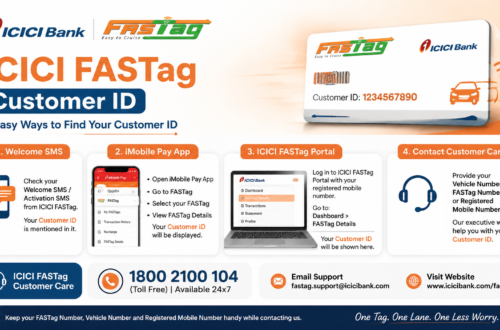
- Look through old SMS messages from ICICI Bank; the customer ID is often mentioned there.
- Check the welcome email you got when the FASTag was issued.
- Try logging in with your mobile number instead, if that option is available.
- Check ICICI Bank’s app or Net Banking, since FASTag details are sometimes visible there too.
- Contact customer support as a last resort.
One safety note worth repeating: never hand over your OTP, password, or card details to a site or number you found through a random search. Stick to official channels.
Getting Help From ICICI Bank
If login, recharge, balance, or blacklist issues persist after trying the above, it’s time to contact support directly. Before you call or write in, have these ready:
- Registered mobile number
- Vehicle number
- Customer ID or wallet ID, if you have it
- Transaction ID for any failed recharge
- Date, time, and location of the disputed toll deduction
Full contact details, including numbers and email addresses, are listed on our ICICI FASTag customer care page, and a version specific to the bank’s official support channels is available at ICICI Bank FASTag customer care.
Staying Safe While Managing Your FASTag Online
FASTag is tied directly to your money, so it’s worth being a little cautious.
- Only use the official ICICI Bank website or app, never a third-party link.
- Never enter an OTP on a site you’re not sure about.
- Ignore unsolicited calls or WhatsApp messages offering “FASTag annual pass” deals.
- Double-check the URL in your browser before logging in anywhere.
- Bookmark the genuine ICICI Bank FASTag page so you’re not searching for it fresh every time.
Frequently Asked Questions
What does ICICI FASTag login actually let me do?
It gives you access to your FASTag dashboard, where you can check your balance, recharge, view past transactions, download statements, and manage account details.
Can I check my balance without visiting a bank branch?
Yes. The ICICI Bank app, Net Banking, and the FASTag portal all let you check your balance online.
Why does my recharge show as failed even though money left my account?
This is usually a processing delay rather than a lost payment. Note the transaction ID and wait before contacting support, since most of these resolve on their own within a short window.
Is icicifastaglogin.org the official ICICI Bank website?
No. This is an independent informational guide. All actual login, payment, and account actions should be done through ICICI Bank’s own official website or app.
Final Thoughts
Most ICICI FASTag login problems come down to one of a handful of causes: a forgotten customer ID, a low balance, or a tag that’s been temporarily blacklisted over KYC. Working through the checks above resolves the majority of cases without needing to call support at all. When it doesn’t, ICICI Bank’s official customer care is the right next step, not a random number found through a search engine.